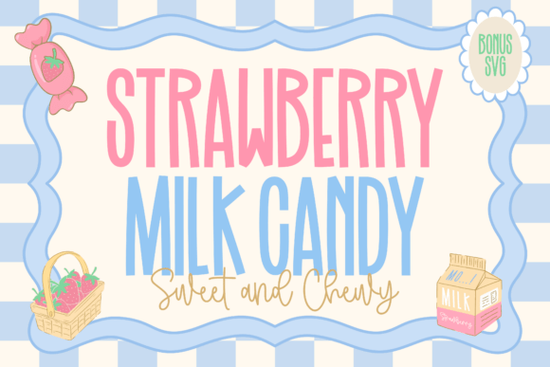
If you need a typeface that feels light, nostalgic, and just sweet enough for playful branding, the Strawberry Milk Candy Font delivers exactly that. This duo pairs a tall, hand-drawn sans serif with a smooth script that mimics the gentle swirl of strawberry milk. Designers, crafters, and print-on-demand sellers often reach for this style when they want something youthful without leaning into overly cartoonish territory. It works quietly in the background while still giving your layout a clear, approachable personality.
What makes this font duo work so well together?
The secret lies in the contrast. The main uppercase letters are slim and slightly whimsical, which keeps headings readable even at smaller sizes. The accompanying script brings a soft, creamy flow that balances the structured sans serif. When you place them side by side, you get a natural rhythm that feels hand-crafted but still tidy enough for professional packaging. If you usually struggle with matching separate fonts, having them designed as a coordinated set saves you time and guessing. For projects that need a bit more edge, you might also explore options like a textured display typeface to create deliberate contrast in secondary elements.
Where does it fit best in your design projects?
This pairing shines in niches that rely on warmth and approachability. Think Valentine’s Day cards, kids’ apparel, dessert shop menus, sticker sheets, and Cricut or Silhouette cut files. The slim uppercase structure prevents the design from feeling heavy, while the script adds just enough movement to catch the eye on social media thumbnails or product labels. Small business owners often use it for bakery branding, candle packaging, or seasonal promotions where a cheerful aesthetic matters more than corporate stiffness. If your shop leans into colorful, nostalgic themes, you might also test how it sits alongside a playful lettering set for limited-edition drops.
Which file formats and software do you need?
Most modern font duos ship with standard OTF and TTF files, which install smoothly on Windows and Mac. Once installed, they appear in Illustrator, Photoshop, Canva, Procreate, and cutting machine software like Design Space or Silhouette Studio. For crafters working with vinyl or heat transfer, remember to weld or attach script layers before cutting so the connecting strokes stay intact. If you are building a broader brand kit, you can keep this duo for headers and pair it with a clean body font for longer descriptions. Some makers also mix it with a casual brush style when they want a more relaxed, hand-painted vibe on tote bags or journal covers.
How to pair it with other typefaces without cluttering your layout
Because the script already carries a lot of personality, keep supporting text simple. A neutral sans serif or a light serif works best for paragraphs, ingredients lists, or care instructions. Stick to two or three typefaces total. Let the tall uppercase font handle short headlines, use the script for names or short phrases, and reserve plain text for details. Adjust tracking slightly on the uppercase letters if you need more breathing room, and avoid stretching the script horizontally, which breaks the natural connections. When you want a completely different mood for sports-themed merch or school events, switching to a bold athletic lettering style keeps your template system flexible without starting from scratch.
Quick setup checklist before you cut or print
Before sending your design to the printer or cutting mat, run through these quick steps to avoid common layout mistakes:
- Install both the sans serif and script files, then restart your design software so they load correctly.
- Check glyph panels for alternate swashes or ligatures that might smooth out awkward letter connections.
- Convert text to outlines or paths if you are sharing the file with a print shop that may not have the font installed.
- Test a small print or cut sample to verify that thin strokes hold up on your chosen material.
- Keep contrast high by pairing light font weights with darker backgrounds, or add a subtle offset shadow for vinyl applications.
You can grab the Strawberry Milk Candy Font directly from Creative Fabrica and start testing it in your current workflow. If you enjoy building seasonal collections, consider keeping a soft nostalgic typeface in your library for spring and summer releases that need a gentle, hand-drawn feel.
Next step: Open your preferred design app, type out three short phrases using the uppercase font for the main words and the script for accents, then print a quick draft on plain paper. Check how the thin lines render at your intended size, adjust spacing if needed, and save the layout as a reusable template for your next product batch.
Try It Free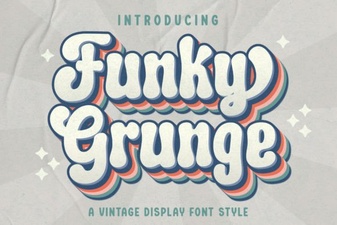 Free & Bold Funky Grunge Fonts for Creative Projects
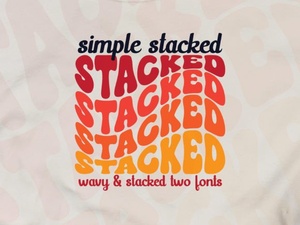 Simple Stacked Font Designs & Creative Applications
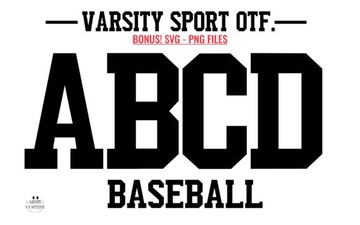 Army Font Designs for Varsity Sport Projects
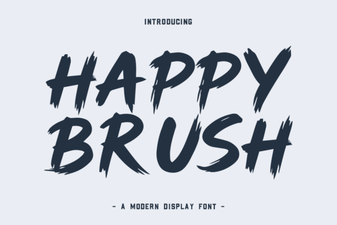 A Creative Brush Font for Modern Designs
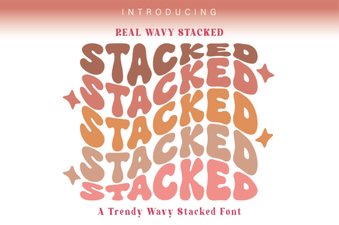 Wavy Stacked Fonts for Creative Typography Projects
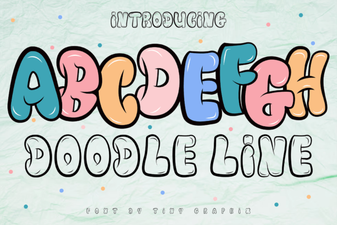 Doodle Fonts for Creative Projects