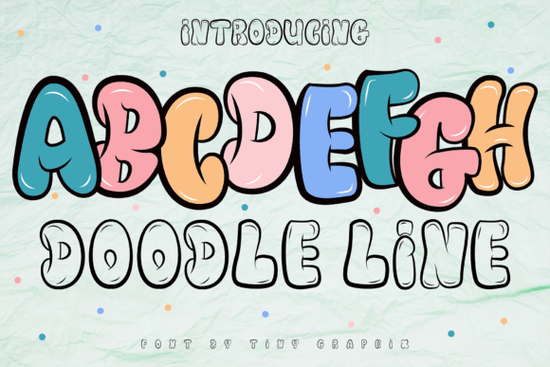
If you need a typeface that feels hand-drawn but still reads clearly at a glance, Doodle Line Font delivers exactly that. It blends casual sketch-like strokes with a structured display format, making it a reliable choice for logo marks, game titles, cartoon headers, and print-on-demand graphics. Instead of forcing a rigid corporate look, this font leans into a relaxed street art vibe that catches the eye without overwhelming the rest of your layout.
What makes this style work for branding and logos?
Graffiti and doodle-inspired lettering works best when you want your brand to feel approachable or energetic. The uneven baseline and organic line weight give each character a hand-crafted feel, which helps small businesses stand out in crowded markets. When you use it for a logo, keep surrounding elements simple. Let the typeface carry the personality while your color palette stays clean. This balance prevents clutter and keeps your message readable across social media thumbnails, packaging, and storefront signs.
For print-on-demand sellers, this style translates well to apparel, stickers, and tote bags. The bold strokes hold up nicely on fabric prints, and the casual tone matches lifestyle brands and creative hobby shops. If you are designing game assets or cartoon titles, the dynamic rhythm adds motion to static text, making screens feel more interactive.
How do I pair it with other typefaces?
Display fonts with strong personalities need calm partners. When you place a sketch-style header next to body text, choose a neutral sans serif to keep the hierarchy clear. You can also experiment with contrasting moods by testing different display styles in your mockups. For example, you might swap in a playful candy-inspired lettering when you want a sweeter vibe, or switch to a soft nostalgic typeface for vintage-themed projects. If your layout needs structure, try combining the doodle style with a clean stacked layout to anchor the composition. When you want movement without the hand-drawn texture, a fluid wavy character set can create rhythm while keeping the background calm. For projects that need a traditional hand-painted feel, compare it against a hand-painted brush style to see which stroke weight matches your brand voice.
Which file formats and licenses should I expect?
Most modern display fonts ship with OTF and TTF files, which cover standard design software like Photoshop, Illustrator, Canva, and Cricut Design Space. Before you start cutting vinyl or preparing screen prints, check that the font includes proper kerning pairs and punctuation support. Some sketch-style fonts skip certain glyphs, so testing your exact phrase in a mockup saves time later. If you plan to sell products featuring the typeface, review the commercial license terms carefully. Many creators offer a standard license for small-batch physical goods and a separate extended license for digital templates. Keeping a copy of your license receipt in your project folder prevents headaches if a marketplace requests proof of usage rights.
What should I test before finalizing my design?
Hand-drawn display fonts behave differently depending on size, background color, and print method. Run through these quick checks before exporting:
- Scale test: View the text at thumbnail size and full poster size to confirm readability.
- Contrast check: Place the font on light, dark, and textured backgrounds to see how the stroke weight holds up.
- Spacing adjustment: Tweak tracking and leading manually, since uneven baselines often need custom kerning.
- Print proof: Run a small test print on your final material to check ink spread or vinyl cut precision.
- License match: Verify that your intended use aligns with the purchased license tier.
If you want to explore how this typeface compares to other street art and sketch-style options, you can browse the full collection and preview Doodle Line Font directly on the marketplace. Testing live previews helps you gauge how the letters interact with your specific graphics before committing to a layout.
Start by typing your actual brand name into the preview window, adjust the spacing until the uneven strokes feel balanced, and export a quick mockup on your intended material. Keep a folder of font pairings that worked, note which license covers your sales channel, and run a final print test before listing your design. This simple routine keeps your workflow smooth and your typography consistent across every project.
Download Now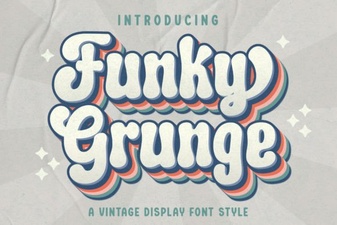 Free & Bold Funky Grunge Fonts for Creative Projects
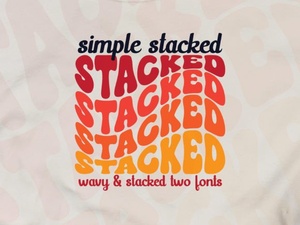 Simple Stacked Font Designs & Creative Applications
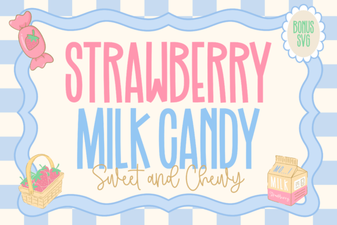 A Strawberry Milk Candy Font Design Guide
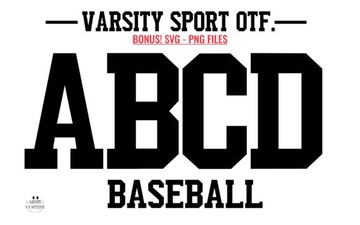 Army Font Designs for Varsity Sport Projects
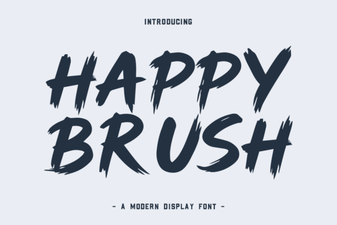 A Creative Brush Font for Modern Designs
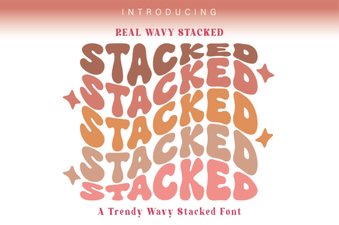 Wavy Stacked Fonts for Creative Typography Projects