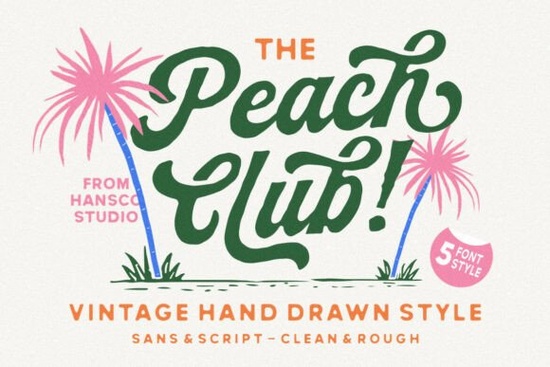
If you need a typeface that feels personal but still reads clearly on packaging or social media graphics, Peach Club Font delivers exactly that. It pairs a relaxed, hand-drawn script with a clean sans serif, so you get the warmth of authentic lettering without sacrificing layout flexibility. Designers, crafters, and small shop owners often struggle to balance decorative fonts with readable text, and this two-font bundle solves that problem right out of the box.
What makes this hand-drawn typeface different from standard scripts?
Most script fonts look overly polished or rigid, which can make branding feel impersonal. This collection keeps the natural pen strokes, slight curve variations, and gentle imperfections you would expect from real handwriting. Those small details give logos, labels, and vintage-style artwork a lived-in quality. When you need a softer alternative for seasonal projects, you might also browse options like a winter-themed script or a playful romantic lettering set to match different moods. The key here is that the script never fights for attention; it complements your message instead of overpowering it.
Which projects actually benefit from a script and sans serif combo?
A paired font bundle works best when your design needs both personality and structure. The script handles headlines, signatures, and short phrases, while the sans serif takes care of descriptions, ingredients lists, or website body text. This setup is especially useful for:
- Print-on-demand apparel and tote bags where readability matters at a glance
- Small business packaging, thank-you cards, and product labels
- Wedding invitations, event posters, and hobby craft templates
- Social media quotes and Pinterest graphics that need quick visual hierarchy
If you frequently switch between elegant and bold moods, keeping a versatile script like a classic calligraphy style or a heavier display script in your library gives you more layout options without buying separate families. You can also explore the full script font collection to compare how different weights render across various design programs.
How do you pair and size these fonts without cluttering your layout?
The biggest mistake creators make with decorative typefaces is overusing them. Let the script breathe by keeping it to one or two lines maximum. Use the sans serif for everything else, and maintain a clear size contrast. A good starting point is setting the script at 1.5 to 2 times the size of your supporting text. Keep tracking loose on the sans serif, and avoid adding drop shadows or heavy outlines to the handwritten letters. If you want to test how the characters interact, type out your actual brand name or product title first. Some letter combinations connect differently, and seeing them in context helps you adjust spacing before you finalize the design. You can preview the full character set and download Peach Club Font to check ligatures, alternates, and punctuation marks.
What file formats and licensing details should you check before downloading?
Most modern font bundles include OTF and TTF files, which install smoothly on Windows, Mac, and popular design software like Illustrator, Photoshop, Canva, and Cricut Design Space. Before you start a commercial project, always review the license included with your download. Personal use typically covers practice files and hobby crafts, while a commercial license is required for products you sell, including digital templates, printed merchandise, and client branding work. If you plan to embed the typeface in an app, website, or automated POD system, check whether an extended or web license is needed. Keeping a simple folder structure for your font files and saving a copy of the license PDF will save you time during tax season or client handoffs.
Quick setup checklist before you start designing:
- Install both the script and sans serif files, then restart your design program
- Test your main keywords in uppercase and lowercase to check natural connections
- Set a clear size hierarchy and limit the script to headlines or short accents
- Verify the commercial license matches your intended sales channel
- Export a test print or mockup to confirm readability at actual product size
When your type choices feel intentional, your designs look finished faster. Pick a simple layout, apply the font pair, and let the handwritten details do the heavy lifting.
Try It Free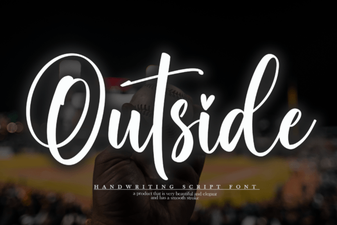 Free Download & Ideas for Creative Font Use
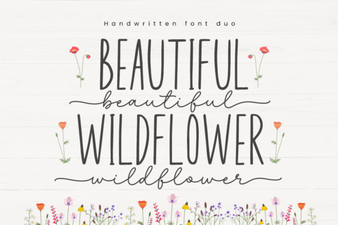 Beautiful Wildflower Duo: a Creative Font Pair
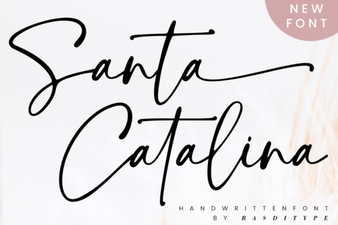 Santa Catalina Font for Creative Projects
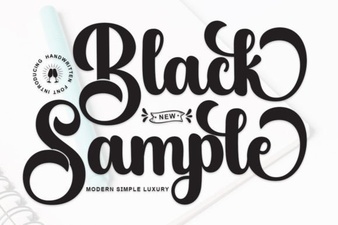 Black Sample Fonts for Creative Design Projects
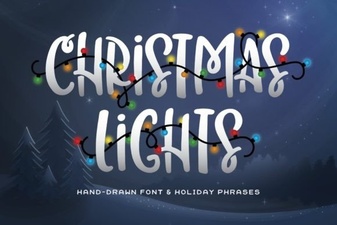 Creative Fonts for Festive Christmas Light Displays
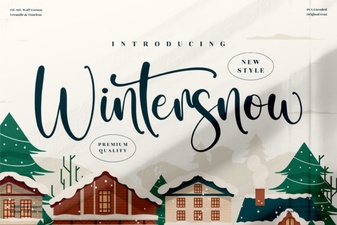 Wintersnow Font: Download a Free Typeface for Elegant Designs